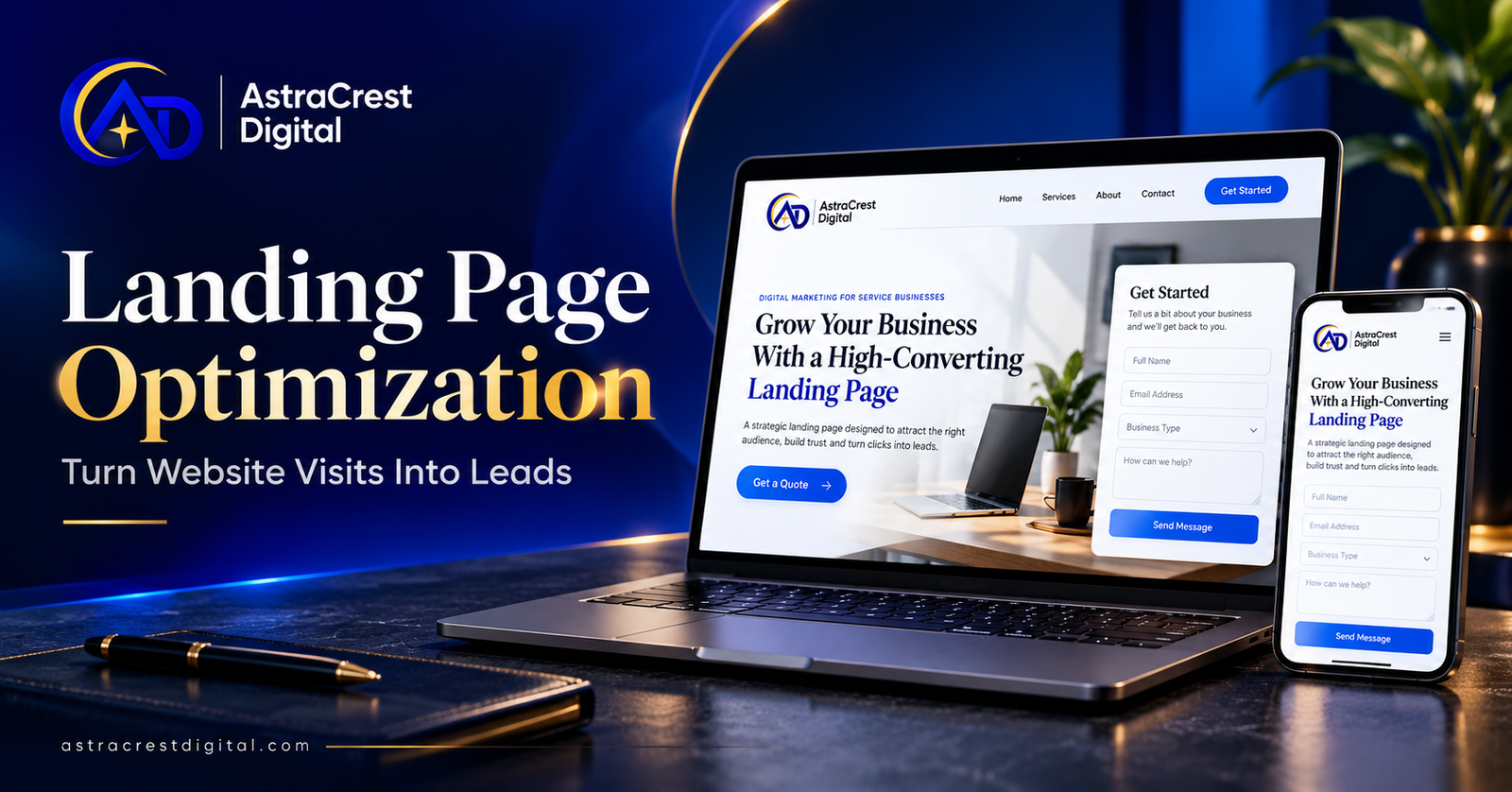
Landing page optimization helps visitors understand your service and take the next step. For a small business, that could mean requesting a quote, booking a consultation, or sending a project inquiry. A useful page makes those actions clear and easy.
Imagine someone clicking your post about website design. They arrive on a page with ten services, a vague headline, and a long contact form. They may need your help yet leave without knowing where to start.
Before spending more on promotion, review the page where potential customers arrive. These seven improvements will help you build a clearer path from website visit to inquiry.
What Is Landing Page Optimization?
Landing page optimization means improving a page for a specific audience, offer, and action. It includes reviewing your headline, content, supporting evidence, forms, mobile layout, and measurement.
A landing page does not need a separate website. An existing service page can serve this purpose when it answers the visitor’s questions and offers a clear next step.
For example, someone searching for WordPress development needs different information from someone looking for help with business automation. Each visitor should reach a page that matches their needs.
If your website is still under development, our website design launch checklist covers the foundations to review before publishing.
Before You Start: Check Your Traffic
Landing page optimization works alongside relevant traffic. If almost nobody visits your page, you will have limited evidence about how well it generates inquiries.
Start with three questions:
- Visibility: Are potential customers finding the page?
- Relevance: Does the page match what they expected?
- Action: Can interested visitors complete the next step?
For search visibility, use our small business SEO checklist.
If traffic is low, fix clear usability problems while working to attract suitable visitors. A handful of visits without inquiries does not prove that your offer has failed.
1. Start Landing Page Optimization With a Clear Offer
Your opening section should quickly explain what you provide and who it helps.
Compare these headlines:
Vague: “Transform Your Digital Future.”
Specific: “WordPress Websites for Service Businesses.”
The second gives visitors a clear starting point. A short supporting sentence can explain your approach and the project scope.
For example:
Clear service pages, mobile-friendly layouts, and a straightforward inquiry process for your business.
Keep this description accurate to your offer. Avoid promising results you cannot support.
Also, match the headline to the source of the visit. If your social post discusses website redesign, link to a relevant redesign page rather than making visitors search your homepage.
Quick action: Read your headline to someone unfamiliar with your business. Ask them what you sell and who it is for.
2. Choose One Main Call to Action
A strong page helps visitors understand what to do next.
Choose a primary call to action that fits the service:
- Discuss Your Website Project.
- Request a Quote.
- Book a Consultation.
- Ask About Automation Support.
Specific wording can set clearer expectations than a general “Submit” or “Get Started.”
Repeat the main action where it makes sense, such as after your service explanation and near the end of the page. Supporting links can remain available without competing for equal attention.
Explain what happens after someone contacts you. Will you review their requirements, arrange a conversation, or send package details? Only promise response times and deliverables you can consistently provide.
Our website development services offer a relevant starting point for businesses planning a new site or improving an existing one.
Quick action: Check whether every primary button leads toward the same intended outcome.
3. Build Trust With Relevant Evidence
Landing page optimization should help visitors assess your work before they contact you.
Choose evidence that supports the service on that page:
- A relevant project example.
- A genuine testimonial used with permission.
- A sample deliverable.
- A clear explanation of your process.
- A demonstration showing how you approach a problem.
Describe your contribution. A screenshot becomes more useful when readers understand what you designed, developed, or improved.
If you show a demonstration project, label it clearly. When sharing client results, provide context and use figures you can verify.
Newer businesses can demonstrate their thinking through a sample page, a short video explanation, or a practical project breakdown.
Quick action: Place one relevant example near the service explanation, where visitors are likely to have questions.
4. Improve Landing Page Optimization With Simpler Forms
A contact form should collect enough information to begin a useful conversation.
Review every field and ask:
Do we need this information now, or can it wait?
A starting form might include a name, email address, requested service, and short message. Add budget, location, or other details when they affect whether you can help.
Make the form easy to use:
- Give each field a visible label.
- Explain which fields are required.
- Write helpful error messages.
- Check the layout with a phone keyboard open.
- Confirm that valid submissions reach the correct person.
Google’s guide to browser form filling explains how developers can help browsers enter saved details, reducing repeated typing.
Test the entire process. A successful confirmation message does not prove that the inquiry reached your inbox or customer management system.
Quick action: Submit a test inquiry from your phone and confirm that you can receive it and reply.
5. Make the Mobile Experience Comfortable
Open the page on an actual phone. Read it and complete the same tasks a potential customer would attempt.
Check whether:
- The headline explains the service clearly.
- Text remains comfortable to read.
- Buttons are easy to select.
- Images fit the screen.
- Forms remain usable.
- Banners and chat windows leave important content visible.
Compress large image files and remove elements that delay or interrupt the journey.
Animations should support the content. If movement distracts visitors from the offer or makes the form difficult to reach, simplify it.
Mobile usability is an important part of landing page optimization because your visitors may experience a very different layout from the desktop version you reviewed.
Quick action: Ask someone unfamiliar with the page to find your service and send an inquiry. Watch where they hesitate.
6. Measure Inquiries, Not Just Clicks
Define success before judging your changes.
A button click shows interest. A valid inquiry starts a conversation. A qualified opportunity suggests that your service may fit the buyer’s needs.
Track those stages separately.
Google Analytics documents a recommended generate_lead event. Configure and test your setup so it records the intended successful lead action.
For a simple review, record:
| Measure | What it helps you understand |
|---|---|
| Page visits | How many visits the page receives |
| Valid inquiries | How many genuine requests arrive |
| Qualified conversations | Whether inquiries match your service |
| Booked work | Whether opportunities become customers |
For illustration, 10 valid inquiries from 500 visits equal a 2% inquiry rate. This is a calculation, not a benchmark or a prediction.
Compare landing page optimization results using consistent definitions. Changes in traffic sources can affect the numbers even when the page stays the same.
Quick action: Check that spam, test submissions, and repeat events do not inflate your results.
7. Give Every Inquiry a Clear Follow-Up
Landing page optimization focuses on helping visitors act. Your follow-up process determines what happens afterward.
Decide:
- Who receives each inquiry.
- Where your team records it.
- Who sends the personal response.
- What happens when the assigned person is unavailable.
An acknowledgment can confirm receipt. A separate task can remind the responsible person to review the request.
Our lead routing automation guide explains how to connect incoming inquiries with ownership and follow-up.
For help connecting forms, notifications, and business systems, explore our AI automation services.
Quick action: Follow one test inquiry from submission through to a personal reply.
Your Landing Page Optimization Checklist
Start with one important service page:
- Match the headline to the visitor’s expectations.
- Explain the offer in plain language.
- Choose one main call to action.
- Add relevant, genuine evidence.
- Simplify and test the form.
- Review the mobile experience.
- Verify measurement and follow-up.
With limited traffic, direct feedback may reveal more than an early A/B test. Fix clear problems first. When you compare alternatives, change one meaningful element at a time and allow enough relevant activity to evaluate it.
Frequently Asked Questions
Is a landing page different from a homepage?
A homepage usually introduces the business and several services. A dedicated landing page focuses on a specific audience, offer, and action. A service page can also function as a landing page.
Should I improve my landing page before running ads?
Fix unclear messaging, broken forms, and obvious mobile problems first. Then assess campaign performance alongside targeting, traffic quality, and the offer itself.
Does landing page optimization guarantee more clients?
No. Demand, pricing, competition, traffic quality, and sales follow-up also affect results. Review qualified opportunities and booked work alongside inquiry volume.
Make Your Next Visitor’s Decision Easier
A useful page explains your service, provides evidence, answers questions, and makes contact straightforward.
Start your landing page optimization with the page most closely connected to the work you want to win.
AstraCrest Digital provides website development, SEO, and automation services. Contact AstraCrest Digital to discuss your page and the process behind it.
Email: hello@astracrestdigital.com