
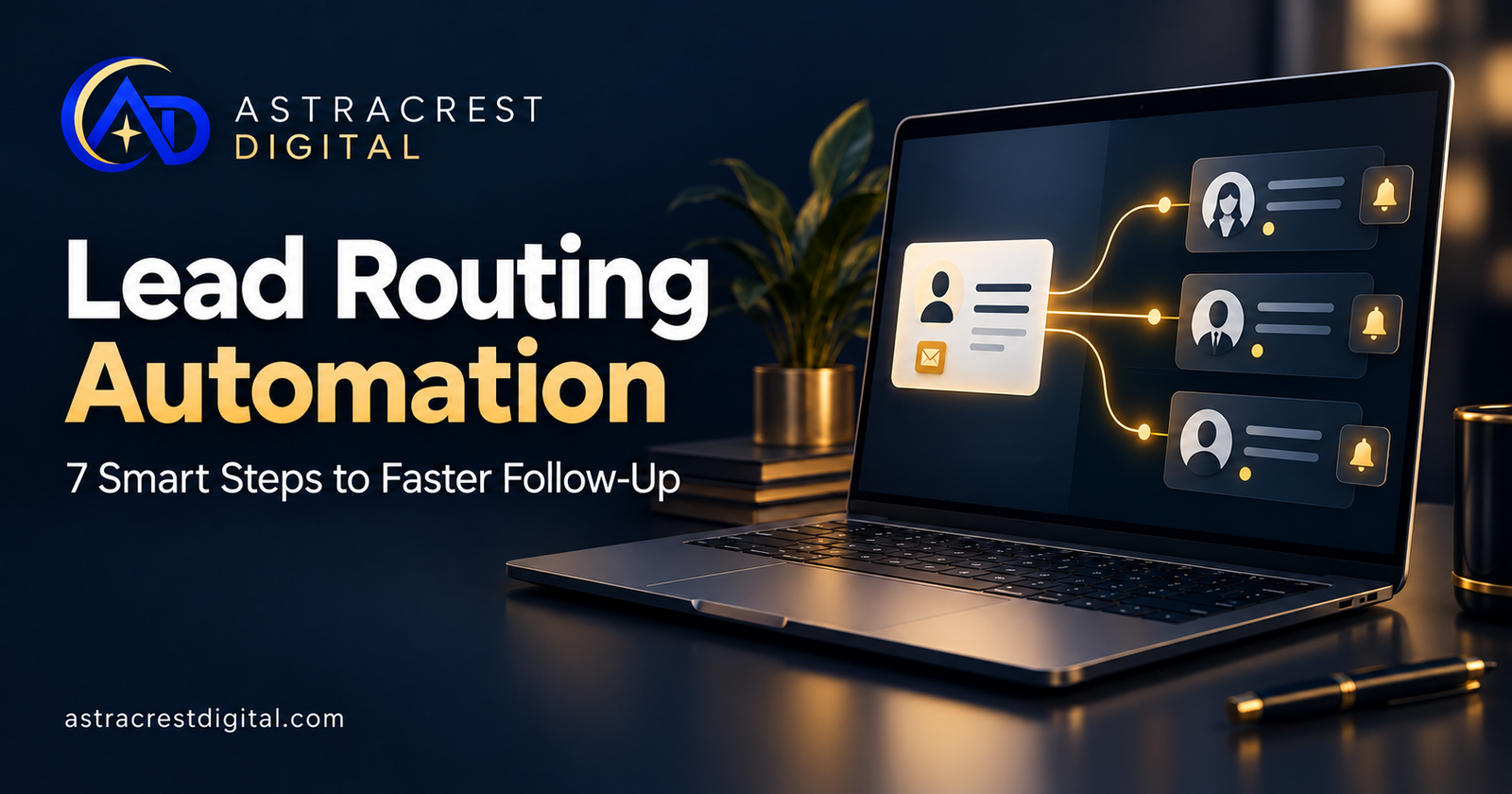
Lead routing automation helps a business move new inquiries from its website or chat into a clear follow-up process. Each inquiry needs a record, an owner, and a next action.
Without those basics, a promising message can sit in a shared inbox while everyone assumes someone else is handling it.
For service businesses, the first useful automation often starts with a simple question: what should happen after a prospect clicks “Submit”?
What Is Lead Routing Automation?
Lead routing automation uses defined rules to assign incoming leads to a person, team, or queue. The workflow can also update a CRM, create a task, and notify the assigned owner.
For example, a website project inquiry might go to a web specialist, while a request for recurring content support goes to the content team.
Zapier describes lead routing as a rules-based assignment step that can pass its decision into CRM updates, notifications, and other actions. The exact options depend on the tools you use.
The aim is to make responsibility visible from the moment an inquiry enters the business.
Where Manual Lead Handoffs Break Down
An inquiry can arrive successfully without becoming an actionable lead.
A form may send an email but never create a CRM record. A chat conversation may end without an owner. Two people may contact the same prospect, while another inquiry receives no response.
These gaps are worth examining before increasing advertising spend. More inquiries will also create more handoffs.
A good starting point is to review a small sample of recent inquiries. Can you identify the source, assigned owner, first personal response, and current status for each one?
Lead Routing Automation: 7 Smart Steps
1. Capture the Information Your Team Needs
Keep forms easy to complete. Collect enough information to decide the next step, without asking for details that can wait until a conversation.
For a service business, useful fields might include name, email, company, requested service, and a short project description. Budget or location can help when they genuinely affect assignment.
Your website and lead-capture forms should make the next step clear to the visitor as well as the internal team.
2. Check for Missing Data and Existing Records
Before creating a new record, check whether the contact already exists. Decide how repeat inquiries should attach to an existing contact or opportunity.
Keep duplicate handling deliberate. Matching an email address may be useful, but it does not automatically mean two project requests are the same opportunity.
Send incomplete submissions to a review queue rather than silently discarding them. Record why they need attention.
3. Define Assignment Rules and Their Priority
Write down who should receive each type of inquiry.
Possible criteria include requested service, territory, existing account ownership, or staff availability. If more than one rule applies, decide which takes priority.
For example, an existing client’s new request may stay with their account owner even if it concerns a different service.
Also define a fallback owner. An inquiry that matches no rule should still have somewhere to go.
4. Connect Assignment With a Follow-Up Task
An owner field alone does not tell someone what to do next.
Create a task with the inquiry details, a link to the record, and a due time that reflects your working hours. Notifications should identify the action required.
Your CRM integrations should connect capture, ownership, and task management into a workflow your team can actually use.
An acknowledgment email can confirm receipt. Track it separately from the first personal response, so reporting does not confuse the two.
5. Keep Human Review Where Context Matters
Some routing decisions are straightforward. Others need interpretation.
AI may help summarize a long inquiry or suggest a service category. Treat these as proposed inputs and decide which cases require a person’s review.
For example, send ambiguous requests or conflicting information to a named reviewer. Keep proposals, pricing commitments, and sensitive decisions within the approval process your business has chosen.
Astracrest’s AI automation services focus on connecting repetitive tasks while retaining appropriate human checkpoints.
6. Plan for Failures and Unavailable Owners
Test what happens when the CRM is unavailable, an integration disconnects, or the assigned person is away.
Record failed submissions, notify someone who can fix them, and provide a way to retry. A retry should avoid creating duplicate records or sending the same acknowledgment repeatedly.
Document fallback arrangements so a staff change does not leave inquiries in an unattended queue.
7. Measure Assignment and Response Separately
Review whether the workflow makes follow-up easier to manage.
Useful measures include time to assignment, time to first personal response, unassigned inquiries, failed workflow runs, and duplicate records. You can also track the share of inquiries that lead to a booked conversation.
Measure response time against your actual business hours. Review the median alongside unusually long delays, rather than relying on one average.
Compare results with your starting point. A working automation is a process to evaluate, not a guaranteed increase in sales.
A Simple Example for a Service Business
Consider a hypothetical firm receiving website design and content requests through one form.
A practical workflow could capture the submission, check for an existing contact, assign the inquiry by requested service, and create a follow-up task. Missing information would go to a review queue.
The visitor receives a brief acknowledgment. The owner receives a task with the original message. If the task remains unattended beyond the agreed response window, a backup person is notified.
The exact workflow should follow how the firm operates. There is little value in adding complex scoring when the immediate problem is unclear ownership.
Do You Need AI for Automated Lead Routing?
Not every workflow needs AI.
If assignment depends on a selected service or a known territory, ordinary rules may be enough. AI can be useful when the input is less structured, such as a free-text message that needs summarizing.
HubSpot’s workflow documentation distinguishes branches, communication, CRM, and AI actions. It also notes that available actions depend on the subscription.
Check your existing tools before choosing another platform. Start with the simplest setup that meets your requirements and can be maintained by the team.
How Astracrest Digital Can Help
Astracrest Digital’s AstraFlow AI service connects forms, inboxes, calendars, CRMs, spreadsheets, and business tools into workflows with human checkpoints.
Its published service scope includes workflow discovery, tool review, building and testing, error handling, documentation, and team training. Final deliverables are confirmed in the project proposal.
Lead capture and routing can also connect with booking, reminders, and broader business operations when those steps serve a clear purpose.
Discuss your lead-routing workflow with Astracrest Digital. Start with one handoff, define who owns it, and decide how you will measure improvement.
Frequently Asked Questions
What Is the Difference Between Lead Capture and Lead Routing?
Lead capture collects an inquiry and its contact details. Lead routing decides who should handle it and what happens next.
Can Lead Routing Work With My Existing CRM?
It depends on the CRM’s features, available integrations, permissions, and plan. Review those requirements before confirming the workflow.
Will Lead Routing Automation Guarantee More Customers?
No. It can help organize inquiries and follow-up, but sales also depend on lead quality, your offer, pricing, and the conversations your team has.